


Network diagram design is one of the most essential tasks for IT professionals, system administrators, and network engineers. These diagrams help visualize how devices connect, how data flows, and how the entire infrastructure functions. Traditionally, Microsoft Visio has been the standard tool for creating these diagrams. However, as technology evolves and more teams adopt cloud based operations, free alternatives to Visio have become more powerful and widely used. Today, several free diagramming tools provide advanced features, templates, stencils, and collaboration capabilities specifically for network design.
In 2025, companies are shifting towards free tools that are flexible, easy to use, and accessible across different platforms. Network engineers need tools that support real time collaboration, cloud storage, device libraries, and technical accuracy. Fortunately, many free network diagram tools now meet these requirements while eliminating the cost burden of Visio licenses. Whether you work in IT operations, cybersecurity, cloud architecture, or telecommunications engineering, free Visio alternatives can help you create accurate and professional network diagrams.
Why Network Diagrams Matter in 2025
Network infrastructures have become more complex due to the rise of cloud computing, remote work environments, hybrid deployments, and advanced security systems. Designing and documenting networks is crucial for several reasons.
Improved Troubleshooting
Clear diagrams help IT teams quickly understand the system layout and locate problem areas.
Better Planning and Upgrades
Network diagrams allow teams to visualize capacity, identify weaknesses, and plan future expansions.
Enhanced Security
Security teams rely on diagrams to track access points, identify vulnerabilities, and strengthen defenses.
Efficient Collaboration
Teams across departments can easily understand infrastructure layouts without technical confusion.
Compliance and Documentation
Regulations require proper documentation of IT systems, especially in industries like finance, healthcare, and government.
Best Free Visio Alternatives for Network Diagram Design
Below are the top free tools you can use instead of Visio for designing professional network diagrams.
XTEN AV X Draw
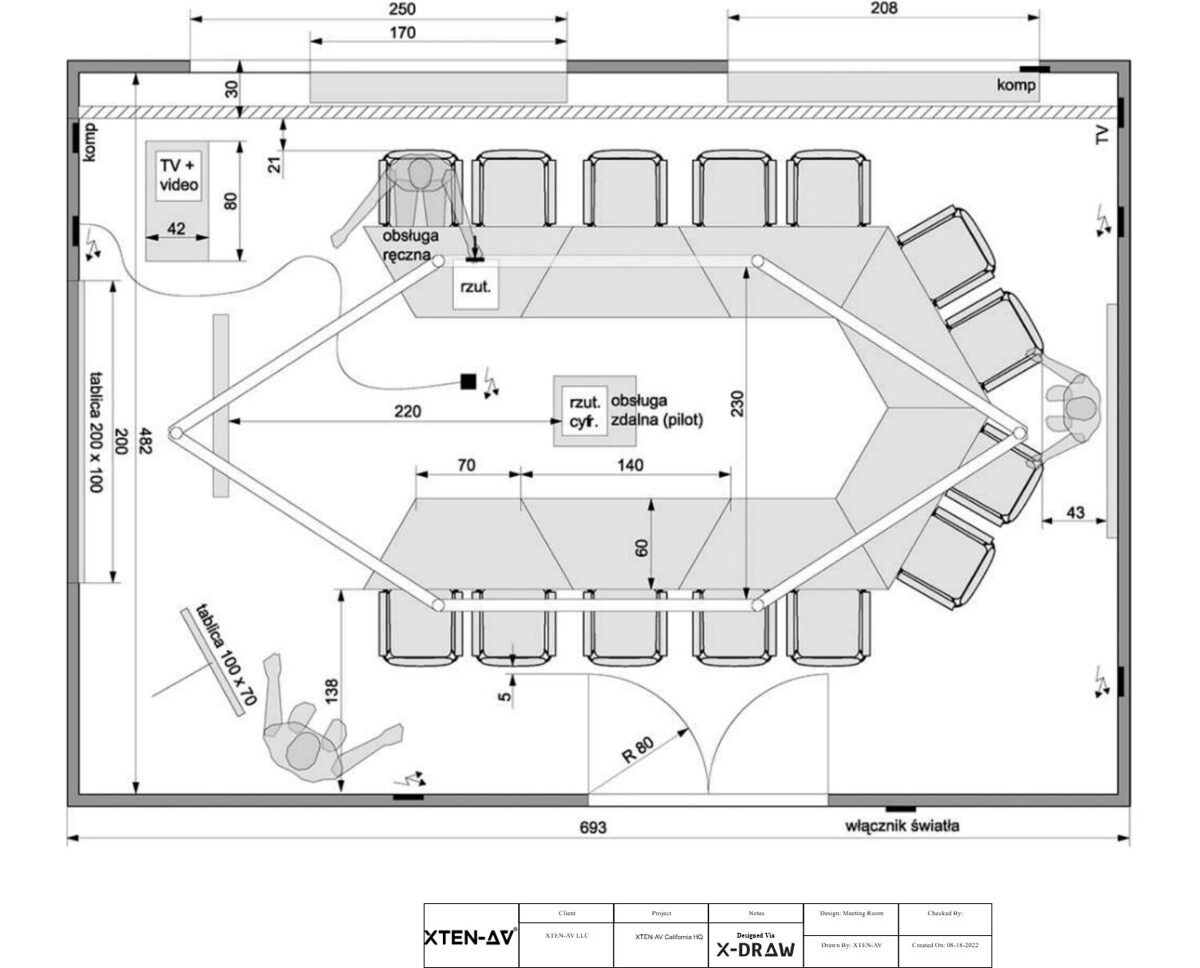
XTEN AV is one of the most advanced cloud based diagramming tools for network professionals. The X Draw platform supports drag and drop design, high quality device shapes, and real time collaboration. Its cloud architecture makes it accessible from any device and ideal for distributed IT teams. XTEN AV offers templates for network topologies, AV systems, server room layouts, and structured cabling. This makes it one of the strongest free Visio replacements for network engineers.
Draw.io
Draw.io is a popular free diagramming tool that works entirely online. It includes extensive shape libraries for routers, switches, firewalls, wireless access points, and cloud icons. Draw.io also integrates with Google Drive and OneDrive, making it ideal for collaborative network design. With its simple yet powerful interface, users can create LAN diagrams, WAN layouts, high level architecture diagrams, and cloud network maps.
Lucidchart Free Plan
Lucidchart offers a limited free plan but still provides enough tools for basic network diagrams. It includes essential templates and supports real time collaboration. Network engineers can create both simple and detailed infrastructure diagrams using drag and drop shapes. Lucidchart is especially helpful for teams needing a clean and beginner friendly interface.
yED Graph Editor
yED is a versatile free tool that supports advanced diagramming, including network design. Its automatic layout algorithms are useful for large network diagrams that require clear organization. yED also supports data import from spreadsheets or external files, making it suitable for complex enterprise networks.
Pencil Project
Pencil Project is a free open source tool perfect for users who prefer offline diagramming. Although its network shapes are not as extensive as Draw.io or Lucidchart, it can still handle basic network diagrams with custom shapes and templates. It is ideal for small scale network documentation.
LibreOffice Draw
LibreOffice Draw is a simple option for basic network diagrams. While it lacks advanced features, it is fully free and works offline, making it suitable for casual users, students, or small network setups.
Inkscape
Inkscape is a powerful vector graphic tool that can be used for highly customized network diagrams. Users who want creativity and flexibility can design visually rich network documents. However, it requires more design skill compared to traditional diagramming tools.
How These Tools Compare to Microsoft Visio
While Visio remains a powerful tool for enterprise network design, free alternatives have improved significantly and offer the following advantages.
Zero Cost
Free tools reduce licensing expenses, especially for large teams or educational institutions.
Cloud Collaboration
Tools like XTEN AV and Draw.io offer easier real time collaboration compared to Visio desktop.
Cross Platform Access
Many free options work on Windows, Mac, Linux, and Chromebooks, whereas Visio is primarily Windows based.
Template Availability
Free tools offer extensive network templates and device stencils suitable for modern IT infrastructures.
Lightweight and Faster
Most free tools run in the browser, making them faster to access and use.
When Free Network Diagram Tools Are the Best Choice
Free network diagram alternatives are ideal for many users in 2025.
Students and Beginners
Individuals learning networking concepts do not need expensive software.
Small Businesses and Startups
Free tools reduce IT costs while offering professional results.
Cloud and Remote Teams
Online tools support real time work from different locations.
IT Support and Help Desk Teams
Technicians can quickly design diagrams for troubleshooting and documentation.
Freelancers and Part Time Network Engineers
Independent professionals can work without investing in expensive software licenses.
When You Might Still Need Visio
While free tools are powerful, Visio may still be preferred in specific scenarios.
Large Enterprises
Big companies with established workflows may continue using Visio for standardization.
Complex Integrations
Some enterprise IT systems integrate directly with Visio for automation.
Industry Compliance
Certain sectors may require the standardized documentation that Visio provides.
Final Thoughts
In 2025, free Visio alternatives for network diagram design have become stronger, more flexible, and more advanced than ever before. Tools like XTEN AV, Draw.io, Lucidchart Free, and yED deliver excellent functionality for IT professionals, network engineers, cybersecurity teams, and system architects. These tools offer real time collaboration, cloud access, rich templates, and modern interfaces that simplify network documentation and design. For most users, free alternatives provide everything needed to create accurate and professional network diagrams without the cost of Microsoft Visio.
Free tools are not only cost effective but also more adaptable to modern workflows, making them the preferred choice for many IT teams in 2025.
Read more: https://techwaveav.alboompro.com/post/7-free-alternatives-to-microsoft-visio-that-actually-work
Comments